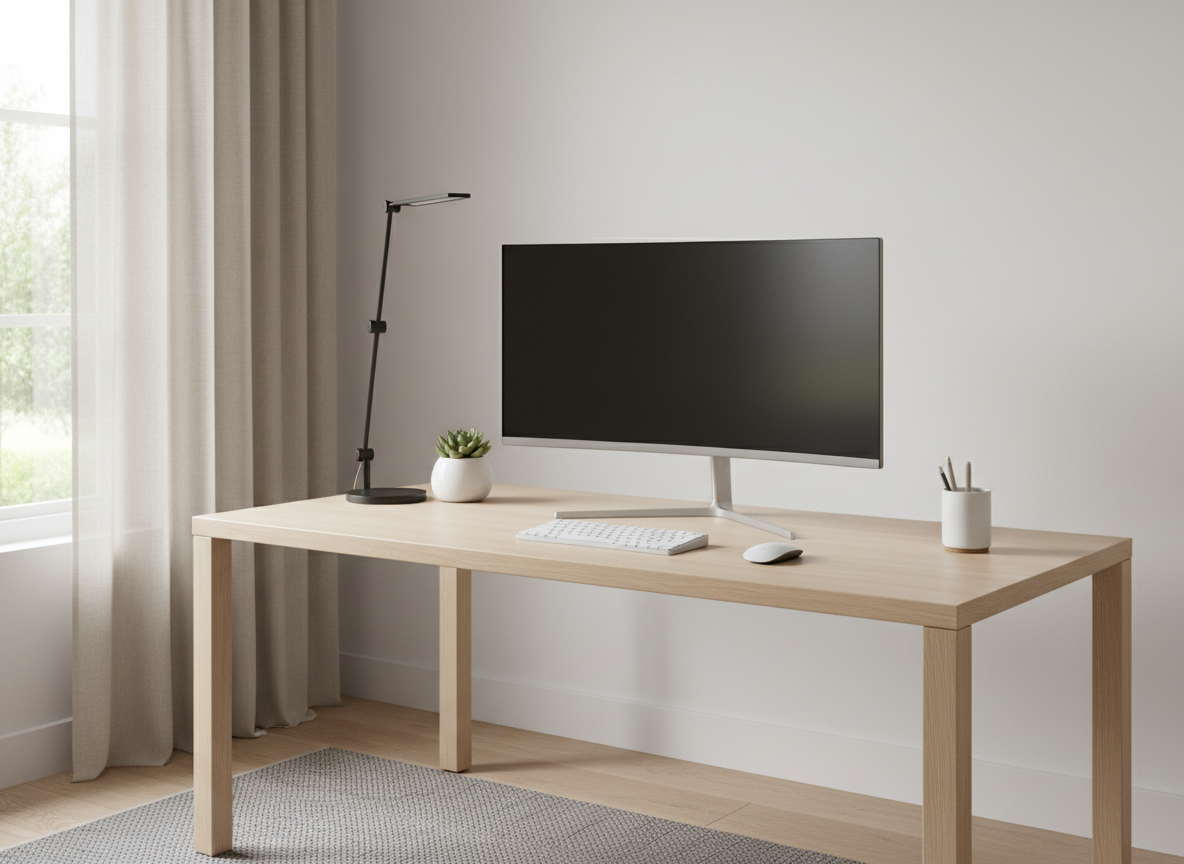
A good monitor makes work, games and movies more enjoyable and can reduce eye strain. But monitor specs can be confusing: resolution, panel type, refresh rate, response time and more. This guide breaks down what matters and how to choose a computer monitor for your needs.
As an Amazon Associate, we earn from qualifying purchases. Some links on this page are affiliate links, so we may earn a commission at no extra cost to you. We have not tested these products; this guide is general information. Check each listing for current specs and reviews.
Key takeaways
- 24 to 27 inches suits most desks; 1440p is a popular sweet spot at 27 inches.
- IPS panels suit work and color accuracy; VA panels suit dark rooms and movies.
- 60Hz is fine for office work; gamers often look for 120Hz to 144Hz or higher.
- Check that the monitor’s ports match your computer (HDMI, DisplayPort or USB-C).
Computer monitor screen size
24 to 27 inches suits most desks and is a good starting point. Larger monitors provide more workspace but need more viewing distance and desk space. Smaller monitors save space. Consider how far you sit from the screen.
Monitor resolution
- 1080p (Full HD): fine for smaller screens, office use and budget setups.
- 1440p (QHD): sharper, a popular choice for 27-inch monitors and gaming.
- 4K (UHD): very sharp, ideal for detailed work and media if your computer can drive it.
Higher resolutions require a more capable computer or graphics card, and they make text smaller unless scaled.
Panel type: IPS, VA, TN or OLED
- IPS: accurate colors and wide viewing angles, great for work and creative tasks.
- VA: deeper contrast, good for movies and gaming in dim rooms.
- TN: fast and affordable but with narrower viewing angles.
- OLED: excellent contrast and color, usually at a higher price.
Refresh rate and response time
Refresh rate (in Hz) is how many times per second the screen updates. 60Hz is fine for office work. Gamers often choose 120Hz, 144Hz or higher for smoother motion. Response time (in milliseconds) matters in fast games.
Connections
Check that the monitor has the ports your computer uses: HDMI, DisplayPort or USB-C. USB-C can carry video and sometimes power and data over one cable, which is handy for laptops.
Ergonomics
Look for height, tilt and swivel adjustment, or VESA mounting to use a monitor arm. A comfortable setup helps you work longer without strain. Place the top of the screen at or slightly below eye level.
Eye comfort features
Flicker-free backlighting and low blue light modes can help with long sessions. Matte screens reduce glare, while glossy ones can look vibrant but reflect light.
Choose a monitor by use
- Office and school: 24 to 27 inches, IPS, 1080p or 1440p.
- Gaming: 1440p, high refresh rate, low response time.
- Creative work: IPS or OLED with wide color coverage, 4K if possible.
- Dual-monitor setups: two matching 24 to 27 inch monitors.
- Laptop users: a USB-C monitor to simplify your desk.
Before you buy
- Check your computer’s ports and graphics capability.
- Measure your desk and the viewing distance.
- Read reviews on brightness, color and backlight bleed.
- Look at the warranty and return policy.
Frequently asked questions
Is 4K worth it?
For sharp text and creative work, often yes. Your computer must be able to drive it.
What size monitor is best for a desk?
27 inches is a popular balance for many users.
Do I need a curved monitor?
Curves are mostly a matter of preference and are common on larger and ultrawide screens.
What does refresh rate mean?
How often the screen updates each second. Higher feels smoother.
IPS vs VA monitor: which is better?
IPS panels have better viewing angles and color accuracy, which suits work. VA panels have deeper blacks, which suits movies and dark rooms.
Is a 144Hz monitor worth it?
For gaming, many people notice smoother motion. For office work, 60Hz is usually enough.
Related tech guides
- How to choose an ultrawide monitor: size, curve and resolution
- How to choose an HP desktop computer: specs that matter
- How to choose a computer processor (CPU)
- How to choose RAM: capacity, speed and compatibility
More in the entertainment and tech guides.